How to Check Sign Proofs and Locations Before Ordering
To prevent sign mix-ups when preparing inventory at FASTSIGNS, it's essential to communicate your requirements clearly and verify details with the staff.

This article is sponsored by FASTSIGNS of Dallas — Fair Park. Partner content policy
In this article
When a business orders several signs at once, a spelling correction or site change can affect only one piece while the rest stay as approved. An earlier proof may still be on a manager’s phone. A designer may have a different file name for the same panel. Prevent a mix-up by linking each sign to its intended location, exact message and current approval before production begins.
Start with what people need to see at each location. Verify business names, directional wording, use and installation details with the owner and relevant professionals. Keep a dated proof for each piece and name the person who can approve it. Check what was actually produced against that proof when the signs arrive.
Give each sign a location and purpose
Walk the site with the manager, using the plans approved for the project. Decide which sign needs to identify the business, give a visitor a direction or provide another message. Record the room, door, approach or surface where it belongs. If an outside view or particular distance matters, give the designer a photo from that position.
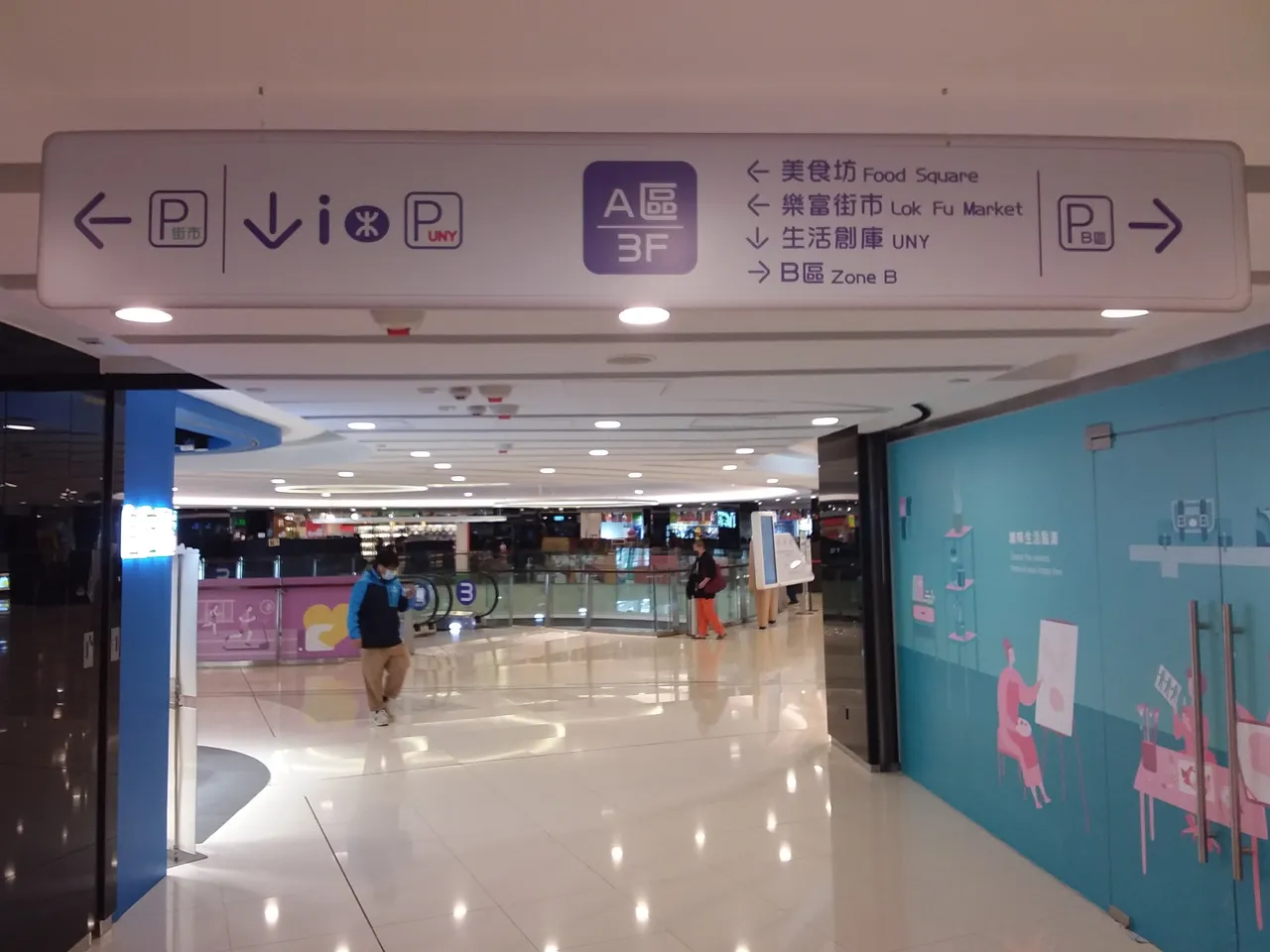
Check whether the same wording appears on signs serving different areas. One panel may say reception and include an arrow that only works for visitors approaching from one side. Give each sign its own reference rather than relying on a generic file name. Ask the person who gives directions to confirm that the proposed words help a visitor find the right location.
The Dallas FASTSIGNS center’s website describes sign products and services. Ask the provider what information it wants with the initial request. Include the intended use, location, approved wording and the person who can answer design or production questions. Confirm the location’s service scope before putting an installation date on the calendar.
Verify the approved names, numbers and directions
For a group of printed signs, check whether all pieces use the same source file or whether the names and locations come from several offices. A property contact can verify the room assignment, and a business manager can check the public wording. Give each person the proof it is being asked to approve, along with the source used to prepare it. Record when it replied and which version was reviewed.
If a provider handles graphic design and another person handles installation, confirm which party sees each approval. The installer will need current location information and the business’s approved schedule. The designer may need to know about a change before adjusting text or placement on a drawing. Give them the related sign reference and ask who can confirm the plan after it is updated.
Make the approved name visible in the final production record.
Copy names, addresses and suite or room numbers from the appropriate business or property record. Ask someone who was not involved in preparing the artwork to compare each one with that source. Check an arrow from the intended point of view rather than reading it on a proof alone. If a floor or access point is under review, identify the time someone can verify it.
For example, a building could need labels for two doors the business uses. A visitor approaches one from an entry hallway, while staff use the other for authorized pickup. Give the sign provider each position and the approved terms. Ask it how the references will appear on the proofs so the right person can check both separately.
Check whether an earlier name appears in another part of the order. A sign proof might include some current details and an older address or mark that came from the original artwork. Compare against the approved source material and tell the provider exactly which sign needs to change. Mark the versions reviewed with their dates.
Have the relevant professionals review sign placement and requirements
The U.S. Access Board’s guide to signs explains which kinds of signs the ADA Standards address and gives technical guidance. Its scoping requirements include provisions for signs and identification of certain spaces. Ask the qualified sign or design professional, manager and appropriate authority how requirements apply to the actual use and location. Verify any site approval before production or installation.
Ask about materials, size and finish in the context of the approved surface. Someone should verify whether a design is allowed and whether the position works with other signs. If the business needs to change the application or route, make sure the person handling the sign sees the correct site information before revising a proof.
Give the design or installation team the current plans when two signs look similar. Several rooms might have different identifying roles even though their dimensions match. Ask the provider how it records location and which person can confirm it during installation. Give that person the authorized contact for any new field question.
Use one final proof per piece
Start a version record before the first revision reaches the sign provider. Give each proof a date and identify who can send the corrected source. A project with multiple sign types may use an exterior image, interior plan and a list of rooms. Save the source used for each proof so the designer can see what has changed. Ask the sign provider to confirm which earlier set it should stop using.
Ask the provider how it names proofs and records approval. Write down the correct sign reference, version date and approved material. Check which sign a change affects and have the responsible person review the revised copy. Notify the provider and other reviewers if a previous proof is superseded.
If an approved design uses a business logo or image, verify that the exact correct copy was provided. Another version may look similar on a small display while having a different product identification or size. Ask the business or property contact to check the relevant graphics on the proof. Confirm which person can accept a change.
Ask how the approved proof will identify the sign’s size, finish and required hardware when relevant. Check that the person confirming the design understands which dimension to verify. If a location will change before installation, ask the appropriate people to recheck the material and installation details. Share the updated approval with anyone preparing the order.
When orders are split across more than one delivery, confirm which proof or order reference appears on each package and what someone should check at pickup. An approved sign may arrive with others that use similar shapes or colors. Give the receiver the actual information it needs rather than expecting them to recognize everything visually. Verify any uncertainty with the supplier.
Confirm delivery and placement against the approved references
For an installation, bring the current sign list to the site and check where the installer expects to place each approved piece. If a door or room description changed, have the relevant manager identify the current one. Ask whether another professional or property contact needs to confirm the new arrangement. Keep an updated record with the location and sign identifier.
Give the person receiving the signs a list of the expected pieces and the approved locations. Ask them to compare the labels or paperwork before giving a piece to the installer. If one item appears different, tell the sign provider which reference it concerns and what the approved proof shows. Keep earlier copies for the people authorized to resolve it.
Recheck directions and business information after installation
Walk the route visitors will use after the installation. Look at what they can read from the actual approach and compare the wording with any appointment or directions they already received. A correct sign may appear at a place that is hard to see. Report the location and specific concern to the provider or property manager and ask which guidance it can verify.
If a sign directs people through an approved route, check that they can find the next point when they reach it. Tell the relevant staff which words the customer will see and who can respond if another entrance is needed. Keep the location record matched to the proof in case an employee later notices an issue with one of several signs.
The Department of Justice’s small business ADA primer discusses accessible business entrances and travel routes. If a change involves those routes, have the appropriate people check the installed directions before sharing them with visitors. Keep the record of their guidance available for a future review.
Save the details a later change will require
Ask who checks sign condition, stores the approved artwork and can ask the provider for a replacement. Keep the actual installation date, current location and finished appearance with the agreed proof. If an installer or delivery person found a difference onsite, record the correction and who approved it. A new employee should be able to tell which order and location a proposed replacement concerns.
When a business moves or changes its name, give the relevant designer the current information before using any old files. Ask which approvals remain applicable and what needs a fresh review. Identify the person responsible for updating directions or removing earlier materials at the appropriate time. Save the new version only after checking the location and intended use.
Our partner guides cover other North Texas sign and wayfinding questions. Use exact locations and dated proofs to distinguish similar sign orders. Confirm the approved scope, then check the completed pieces against those same references.
Visit FASTSIGNS of Dallas — Fair Park.
Sources
- The Dallas FASTSIGNS center’s websitefastsigns.com
- U.S. Access Board’s guide to signsaccess-board.gov
- scoping requirementsaccess-board.gov
- Department of Justice’s small business ADA primerada.gov